

Network cables
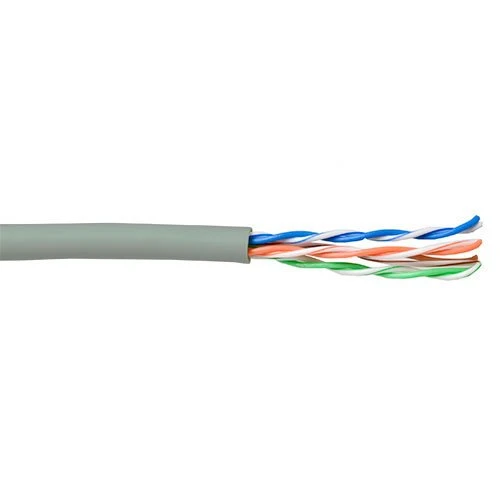
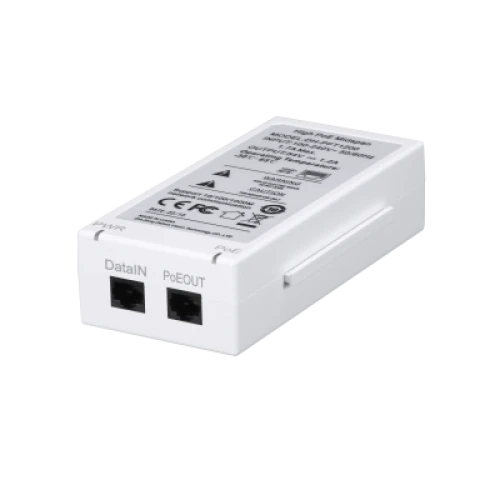
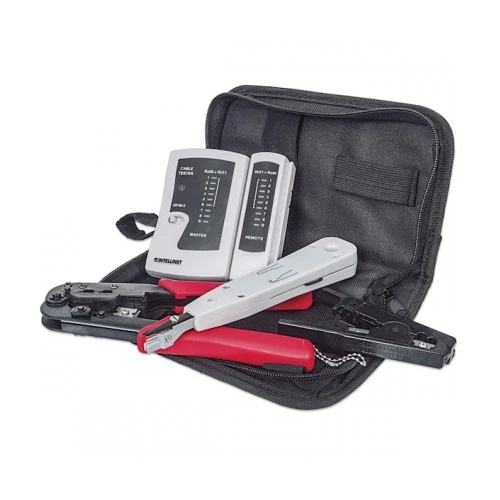
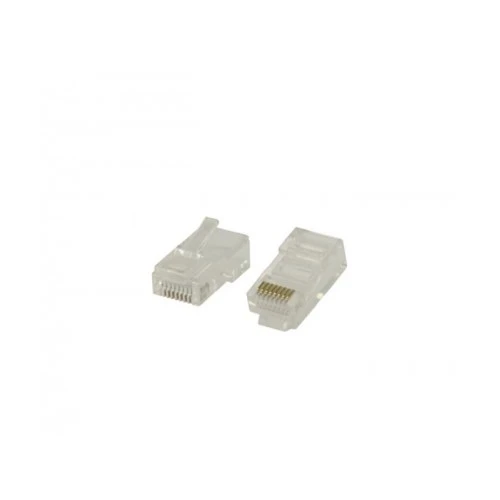
Want to make custom-length network cables or extend your network to a spot without a cable? In this category you will find 100-metre reels of Cat5e UTP cable, loose RJ45 connectors, an installation set with crimping tool, a TP-Link powerline set and the Dahua PFT1200 Hi-PoE injector.
Everything you need to connect IP cameras, recorders and intercoms neatly and reliably, for DIYers and professional installers alike.
The product description lists the compatible cameras. Or send us your camera's model number and we will find it for you.
You can, but a surveillance drive is built for 24/7 recording and is far more reliable in the long run.
Up to 100 metres. For longer distances, use a switch or a PoE extender.
Network cables and installation materials for your camera system
In an IP camera system, the network cable is the backbone of the installation. A single cable carries both data and power to the camera, provided you use PoE. A good cable, carefully fitted connectors and the right length make the difference between a stable system and one that drops out every now and then. With the network cables and installation materials in this category, you can lay that foundation yourself.
Why use cable on a reel instead of ready-made cables? A cable with a connector attached often won't fit through a narrow hole in a wall, a window frame or a cable duct. With cable on a reel, you first pull the bare cable to the camera position and only then fit the RJ45 plug. You also always get exactly the right length, without surplus cable coiled up behind the recorder.
Looking for ready-made patch cables or more network components? Take a look at the Hikvision network cables and the PoE switches. For cameras and storage, browse our IP cameras and NVR recorders.
Why make your own cables?
Making your own network cables takes a little practice, but it offers plenty of advantages:
- Exact length: no cables that are too short or metres too long.
- Easy to route through walls: the bare cable fits through small drill holes and grommets.
- Neat finish: less cable clutter around the recorder and the switch.
- Cost-effective: one 100-metre reel is enough for several cameras.
- Flexible: moving or adding a camera later is simple.
- Easy repairs: you can replace a damaged connector in a few minutes.
Cat5e UTP and PoE: what you need to know
Cat5e UTP cable consists of four twisted pairs and supports speeds of up to 1 Gbit/s. That is more than enough for IP cameras, even at high resolutions. Ethernet and PoE have a maximum cable length of 100 metres between the switch or recorder and the camera. Over that distance, both the video signal and the power arrive reliably.
When fitting connectors, always use one fixed colour code at both ends, usually T568B. Strip the outer jacket, untwist the pairs, arrange the wires in order, cut them straight and push them all the way into the RJ45 connector. Use the crimping tool from the installation set to secure the connector. Then test the cable so you know for sure that every wire makes proper contact. A badly crimped connector is one of the most common reasons why a camera gets no picture or no power.
Hi-PoE and powerline: more range and more power
Not every situation can be solved with a standard PoE port. Some cameras, such as PTZ models with built-in heaters, need more power than a regular PoE port delivers. You place the Dahua PFT1200 Hi-PoE injector between the network and the camera, and it supplies extra power over the same network cable. That way, you don't need to install a separate power socket next to the camera.
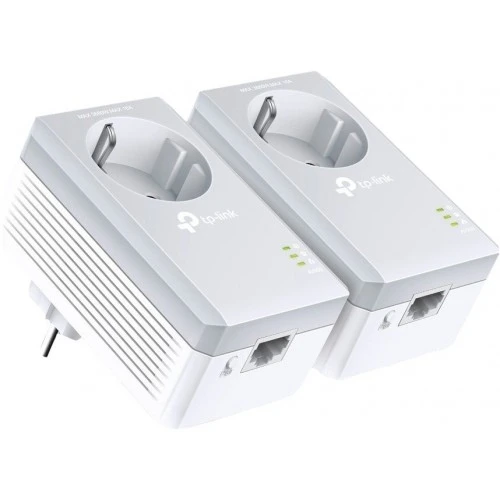
Another challenge is a room with no network cable at all, such as an attic, garage or shed that does have a power socket. The TP-Link TL-PA4010P powerline set sends the network signal over your mains wiring. You plug one adapter in near your router and the other at the desired location, then connect your device there with a short network cable.
Which network materials suit your situation?
Depending on your project, you will need one or more components:
- Cat5e UTP cable, 100-metre reel: for a new installation with several cameras or for extending existing cables.
- RJ45 connectors (pack of 10): for both ends of every cable, plus a few spares.
- Network installation set with crimping tool: essential if you are making your own cables for the first time.
- Dahua PFT1200 Hi-PoE injector: for a camera that needs more power than your switch or recorder provides.
- TP-Link TL-PA4010P (2 adapters): network over the power socket to a spot without a cable.
Cable on a reel vs ready-made cable
| Feature | Cable on a reel | Ready-made cable |
|---|---|---|
| Length cut exactly to size | ✔ Yes | ✖ No, fixed lengths |
| Fits through narrow openings | ✔ Yes | ✖ Usually not |
| Ready to use straight away | ✖ No, needs fitting first | ✔ Yes |
| Tools required | Crimping tool | ✖ None |
| Suitable for several cameras | ✔ Yes, 100 metres | Per cable |
For short connections in the utility cupboard, a ready-made cable is handy; for the run to the camera, cable on a reel is almost always the best choice.
Combine network cables with a recorder, switch and cameras
Network cables form the link between all your components. A typical setup consists of cameras connected via PoE to an NVR or PoE switch, with the recorder connected to your router for access through the app. Plan your cable routes in advance, keep the 100-metre maximum length in mind and use a waterproof connection for outdoor cameras. That way your camera system will run trouble-free for years, alongside an alarm system or video intercom on the same network if you have one.
Order your network cables from Jaggs Alarm
At Jaggs Alarm you will find everything you need to cable your camera installation professionally, from Cat5e cable on a reel to connectors, tools and solutions for extra power or range. Not sure which components you need or how to tackle a tricky cable route? Our specialists are happy to help. Order easily online and benefit from expert advice, a wide range and fast delivery.