

Network cables
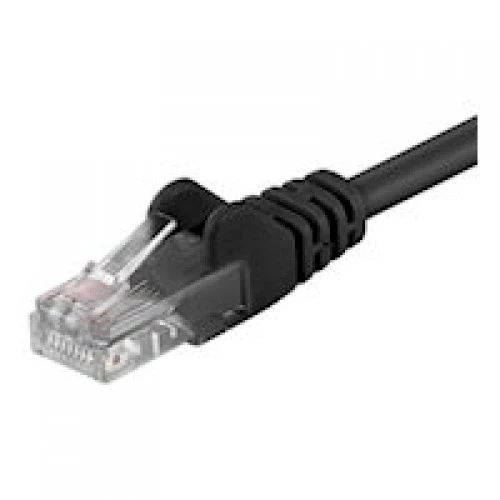
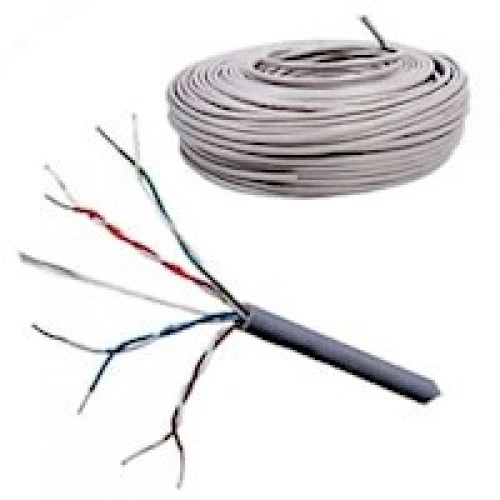
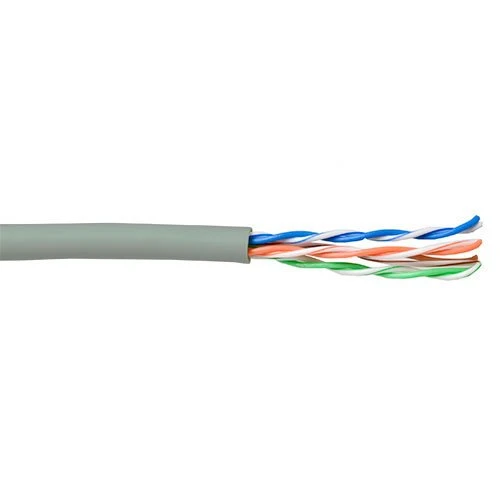
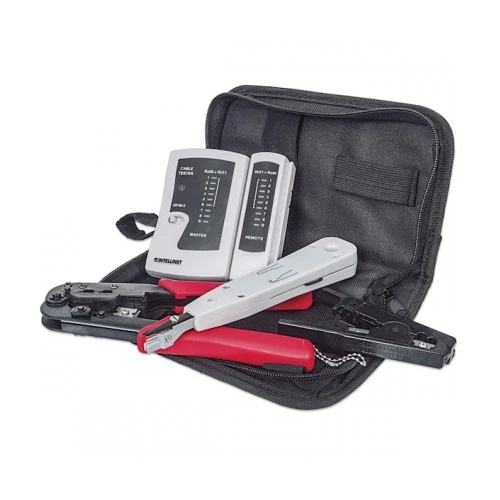
An IP camera system stands or falls with good cabling. In this category you will find network cables for Hikvision cameras: ready-made CAT6 cables from 5 to 40 metres, CAT5e cables of 20 and 30 metres and cable on reels of 100 and 305 metres. Plus RJ45 connectors, an installation set with crimping tool and powerline adapters for places where you cannot run a cable. This lets you connect cameras, recorder and switch reliably, with video and power over a single cable.
The product description lists the compatible cameras. Or send us your camera's model number and we will find it for you.
You can, but a surveillance drive is built for 24/7 recording and is far more reliable in the long run.
Up to 100 metres. For longer distances, use a switch or a PoE extender.
Network cables for Hikvision cameras: reliable video and power over one cable
Modern Hikvision IP cameras work with PoE (Power over Ethernet). A single network cable between the camera and the recorder or switch then carries both the video signal and the power supply. This means there is no need for a power socket at the camera. That makes installation simple, but it also places demands on the cable: a poor or too-thin cable leads to stuttering video, dropped connections or cameras that won't start up.
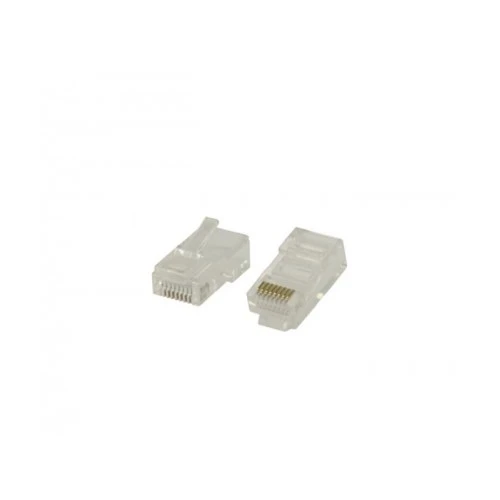
With the network cables in this category, you opt for a stable connection. You can choose ready-to-use cables with connectors fitted, or cable on a reel that you cut to length yourself. With the matching RJ45 connectors and the crimping tool set, you can terminate every cable professionally.
Connect your cables to a Hikvision network switch or directly to a Hikvision recorder with PoE ports. Starting completely from scratch? Then take a look at a complete Hikvision camera kit or the full range of Hikvision IP cameras.
Why choose these network cables?
The cable is the least visible part of your system, but one of the most important. The advantages of our range:
- Suitable for PoE: cables for carrying data and power simultaneously.
- Choice of length: ready-made in 5, 20, 30 and 40 metres, or on reels of 100 and 305 metres.
- CAT6 and CAT5e: choose based on distance, application and budget.
- Make your own to measure: RJ45 connectors in packs of 10 and a complete set with crimping tool.
- Neat routing: cable on a reel without connectors fits through narrow trunking and wall openings.
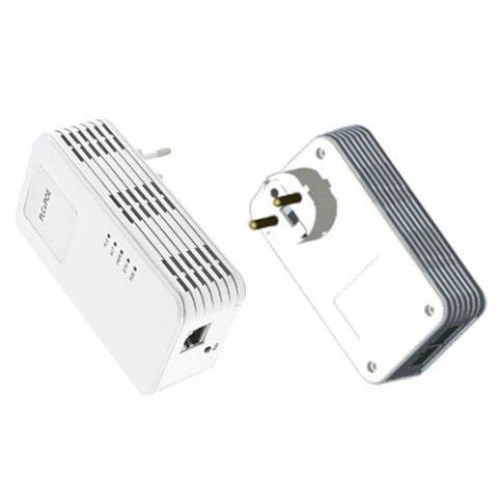
- Alternative without new cabling: powerline adapters use the existing mains wiring.
CAT6 or CAT5e: what is the difference?
Both cable types are suitable for IP cameras and PoE. CAT5e supports speeds of up to 1 Gbit/s and is more than sufficient for most cameras, each of which uses only a fraction of that bandwidth. CAT6 has stricter specifications, less crosstalk between the wires and more headroom. That is useful for longer runs, for links between switches and the recorder where traffic from several cameras comes together, and if you want to future-proof your network.
For both types, the standard maximum length of 100 metres per cable run applies. If you need to go further, place a switch halfway. Preferably choose solid copper cable: copper-clad aluminium (CCA) cables can cause voltage drop over longer distances with PoE.
Ready-made or on a reel?
A ready-made cable with fitted connectors is ideal if the distance is known and the cable does not need to pass through a narrow opening. You simply plug it in and you're done. In this category, CAT6 cables of 5, 20, 30 and 40 metres and CAT5e cables of 20 and 30 metres are available.
If the cable has to pass through a cavity wall, cable trunking or a small opening, or if you have several cameras at different distances, cable on a reel is more convenient. You first pull the 305 metres of CAT6 or the 100 metres of Cat5e through, then fit an RJ45 connector at both ends. The network installation set with crimping tool contains the tools to do this neatly. Wire the connectors to a fixed standard, such as T568B, and test the cable before mounting the camera permanently.
Which network cable suits your situation?
- 5 metres CAT6: short connection between recorder, switch and router in the utility cupboard.
- 20, 30 or 40 metres CAT6: cameras on the facade or in the garden at a known distance.
- 20 or 30 metres CAT5e: budget-friendly choice for standard camera connections.
- 305 metres CAT6 on a reel: larger projects and commercial buildings with many cameras.
- 100 metres Cat5e on a reel: smaller installations where you work to measure yourself.
- RJ45 connectors and crimping tool set: for those who terminate cables themselves.
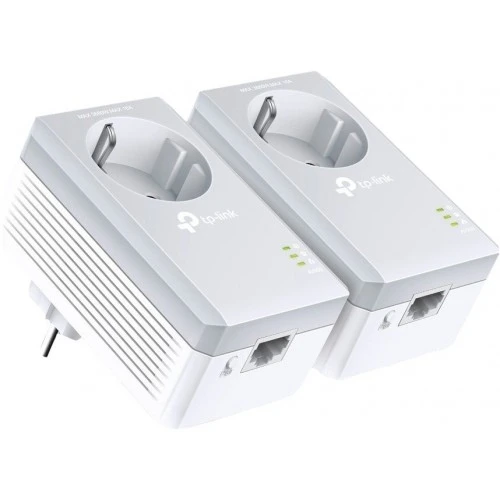
- TP-Link TL-PA4010P or the smart power link adapters with high PoE: networking via the power socket, for locations where no new cable can be run.
CAT6, CAT5e and powerline compared
| Feature | CAT6 | CAT5e | Powerline |
|---|---|---|---|
| Suitable for PoE cameras | ✔ Yes | ✔ Yes | Depends on adapter |
| Maximum cable length | 100 m | 100 m | Via mains wiring |
| Headroom for the future | ✔ Ample | Sufficient | Limited |
| New cable run required | ✔ Yes | ✔ Yes | ✖ No |
| Most stable connection | ✔ Yes | ✔ Yes | ✖ Depends on wiring |
Powerline is a handy solution for awkward locations, but a direct network cable remains the most reliable choice for video surveillance.
Combine your cables with switch, recorder and cameras
A good network starts with a logical layout: cameras connected by cable to a PoE switch or the PoE ports of the recorder, and the recorder connected by a short cable to your router for access via Hik-Connect. Choose a recorder with enough channels and a surveillance hard disk, and take the total PoE power budget of your switch into account. That way your complete camera system runs stably, even when you add cameras later.
Order network cables from Jaggs Alarm
At Jaggs Alarm you can order network cables for your Hikvision cameras and all the matching installation materials in one go. Unsure whether to choose CAT6 or CAT5e, or what length you need? Our specialists are happy to help with expert advice on your situation. Order easily online and benefit from a large range and fast delivery.