

Hard drives and storage
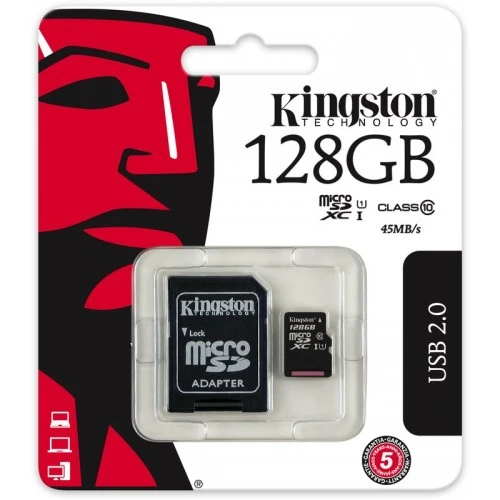
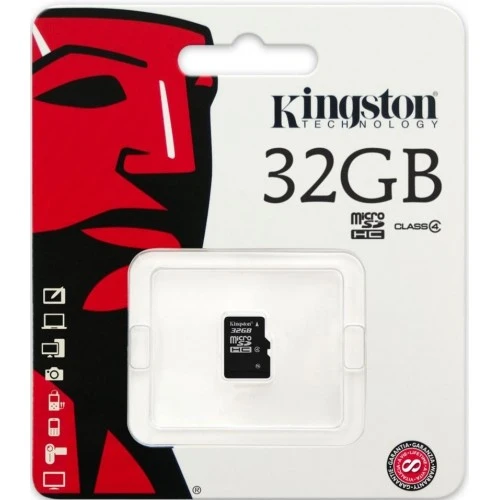
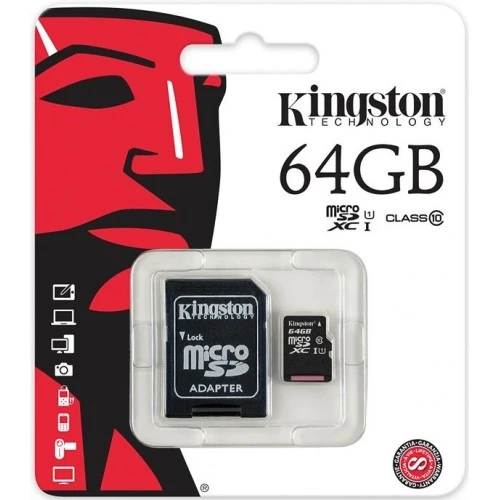
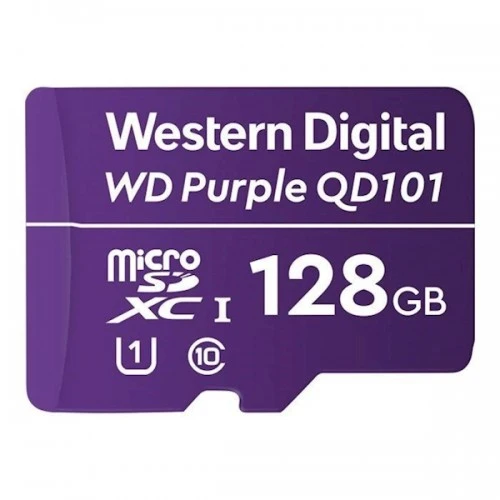
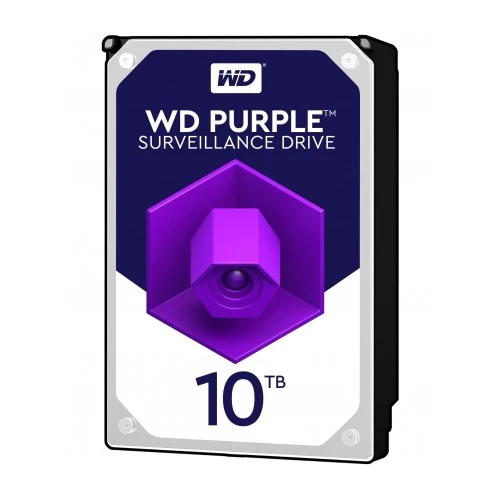
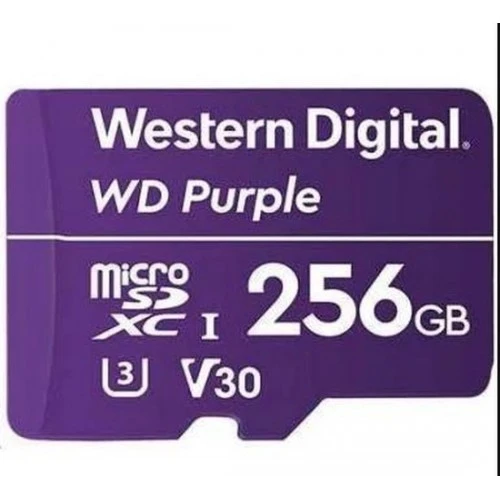
Your Hikvision recorder needs a hard disk to store footage, and many Hikvision cameras have a microSD slot for recording in the camera itself. In this category you will find WD Purple hard disks from 1 to 10 TB and microSD cards from WD Purple and Kingston ranging from 32 to 256 GB.
All storage is suitable for surveillance systems, so you can record day and night with complete peace of mind.



The product description lists the compatible cameras. Or send us your camera's model number and we will find it for you.
You can, but a surveillance drive is built for 24/7 recording and is far more reliable in the long run.
Up to 100 metres. For longer distances, use a switch or a PoE extender.
Hikvision storage: the right hard disk for your NVR
A Hikvision NVR or DVR is usually supplied without a hard disk. That way you decide how much storage you need and how long you want to keep footage. The choice of hard disk does deserve attention, though: a recorder writes video day and night, often from several cameras at once. An ordinary desktop drive is not designed for this and may wear out faster or skip footage.
That is why you will find the WD Purple series here, developed for video surveillance, in capacities of 1, 2, 3, 4, 6, 8 and 10 TB. For in-camera recording there are WD Purple Surveillance microSD cards and Kingston cards. Together they form a reliable foundation for any Hikvision system, from a home with two cameras to a commercial building with dozens of cameras.
Looking for a recorder or a complete kit? Take a look at our Hikvision HD recorders or the ready-to-use Hikvision CCTV kits. For the network there are Hikvision PoE switches, and other components can be found in the Hikvision accessories.
Why choose WD Purple in a Hikvision system?
- Developed for surveillance: WD Purple is built for continuous recording, 24 hours a day.
- Many cameras at once: suitable for writing multiple video streams simultaneously.
- Quiet and energy-efficient: ideal in a utility cupboard, office or living space.
- Easy to install: the SATA drive fits the drive bays of Hikvision recorders and is formatted via the menu.
- Scalable: recorders with multiple drive bays can be expanded with extra capacity later.
- Matching microSD: WD Purple cards are designed for overwriting footage over and over again.
Choosing capacity: how many days do you want to keep?
How much storage you need depends on the number of cameras, the resolution, the bitrate and the recording mode. Hikvision cameras use H.265+, which makes files considerably smaller than older compression, especially with a quiet scene. If you only record on an AcuSense detection of a person or vehicle, your footage lasts the longest.
Also consider the retention period. Under the GDPR, businesses should not keep camera footage longer than necessary, which in practice usually means no more than about four weeks unless there has been an incident. A capacity that stores roughly three to four weeks is therefore a good starting point in many situations. After that, the recorder automatically overwrites the oldest footage.
MicroSD and ANR: recording during network failure
Many Hikvision cameras have a microSD slot. A card in the camera is handy for a standalone camera without a recorder, but also as a complement to an NVR. Hikvision supports ANR (Automatic Network Replenishment): if the connection between camera and recorder is temporarily lost, the camera records locally to the microSD card. As soon as the connection is restored, the recorder automatically fills in the missing section. This means there are no gaps in your recordings, even during a cable fault or a switch restart.
Using the Hik-Connect app, you can easily play back footage from the card or recorder on your smartphone. For continuous recording, a WD Purple card is preferable; the Kingston cards are an excellent choice for motion-triggered recording.
Which storage suits your Hikvision system?
- WD Purple 1 TB: for one or two cameras, or recording on detection only.
- WD Purple 2 TB and 3 TB: for a home with four cameras.
- WD Purple 4 TB: the popular capacity for four to eight cameras.
- WD Purple 6 TB and 8 TB: for eight to sixteen cameras or 4K footage.
- WD Purple 10 TB: for large systems or recorders with a limited number of drive bays.
- MicroSD from 32 to 256 GB: for ANR backup or recording in a standalone camera.
Indicative retention period by system size
The table below assumes 4MP cameras recording continuously with H.265 at around 4 Mbit/s, which comes to roughly 43 GB per camera per day. When recording on detection, the retention period is considerably longer.
| Number of cameras | Usage per day | Disk | Retention period |
|---|---|---|---|
| 4 | approx. 170 GB | 2 TB | approx. 11 days |
| 4 | approx. 170 GB | 4 TB | approx. 3 weeks |
| 8 | approx. 350 GB | 4 TB | approx. 11 days |
| 8 | approx. 350 GB | 8 TB | approx. 3 weeks |
| 16 | approx. 690 GB | 10 TB | approx. 2 weeks |
Combine storage with recorder and cameras
Match the storage to your recorder: check how many drive bays it has and the maximum capacity supported per disk. Combine the NVR with cameras that have a microSD slot for ANR and a PoE switch for power. Link everything to an alarm system for complete protection.
After installation, check in the recorder menu that the disk has been correctly detected and formatted, and set the desired recording mode for each camera. Then check the disk status in the recorder or in Hik-Connect from time to time, so you notice in good time when a disk needs replacing.
Order your Hikvision storage from Jaggs Alarm
At Jaggs Alarm you order WD Purple hard disks and microSD cards for your Hikvision system from a specialist. We give you expert advice on the right capacity for your situation, offer a large range of recorders, cameras and accessories, and ensure fast delivery. Get in touch if you are unsure which disk best suits your recorder.